
Fast captures. Clean marks. Zero friction.
Clean captures, quick annotations, and screen recording — all in one tool.
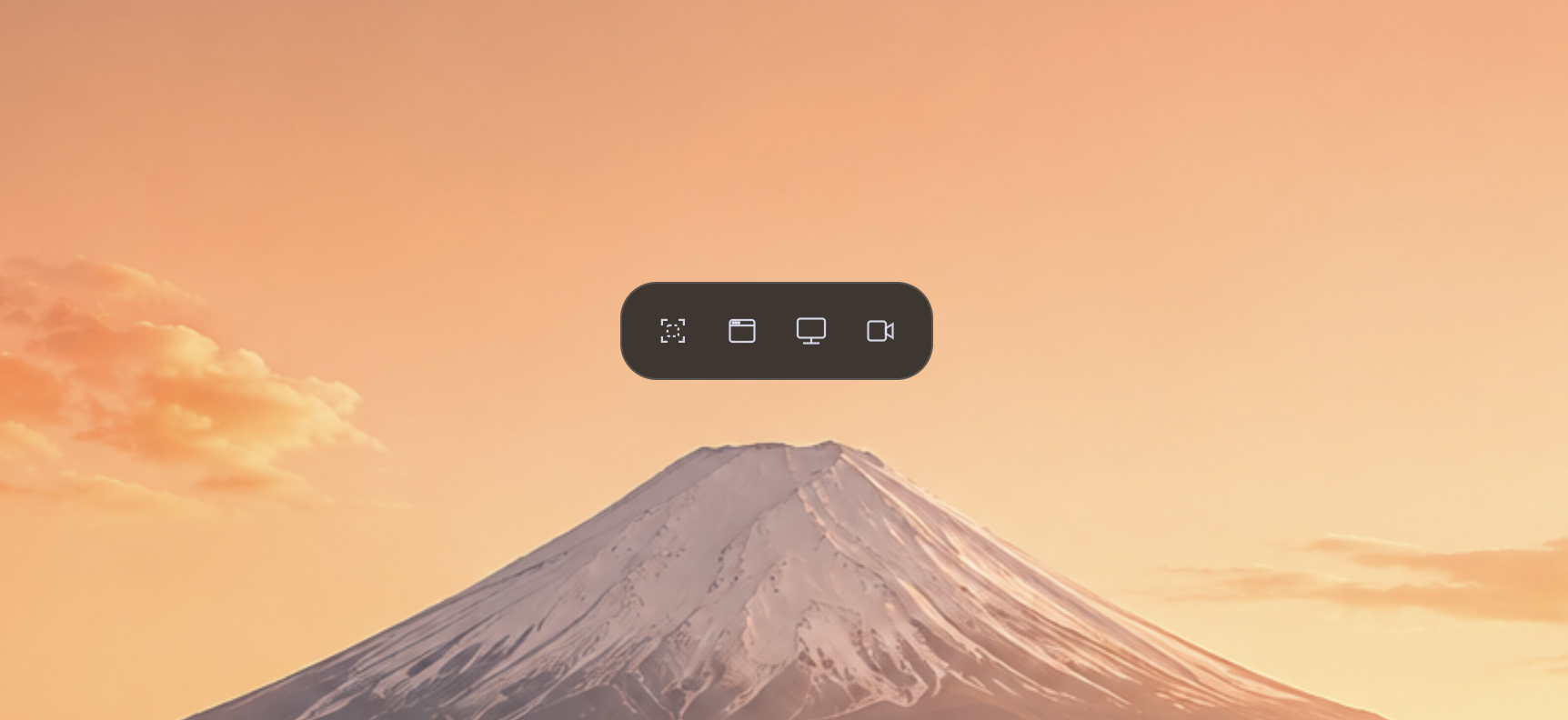
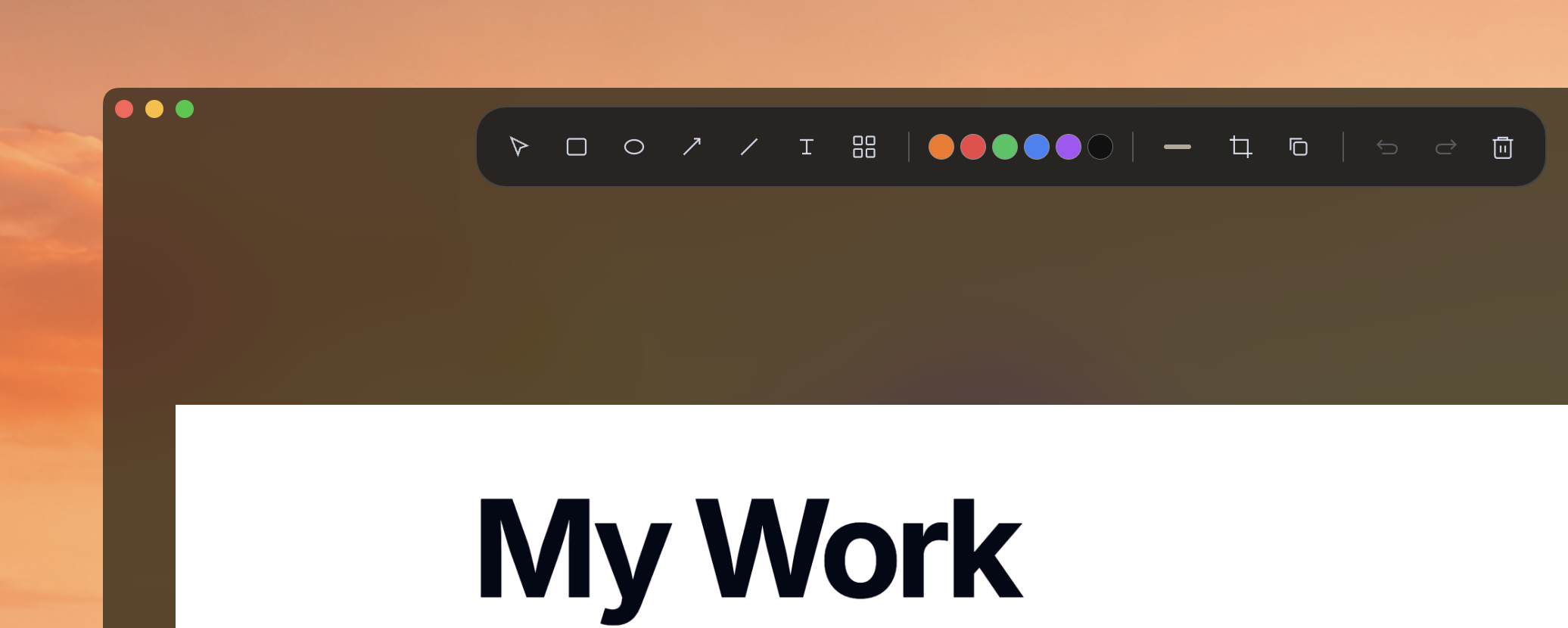
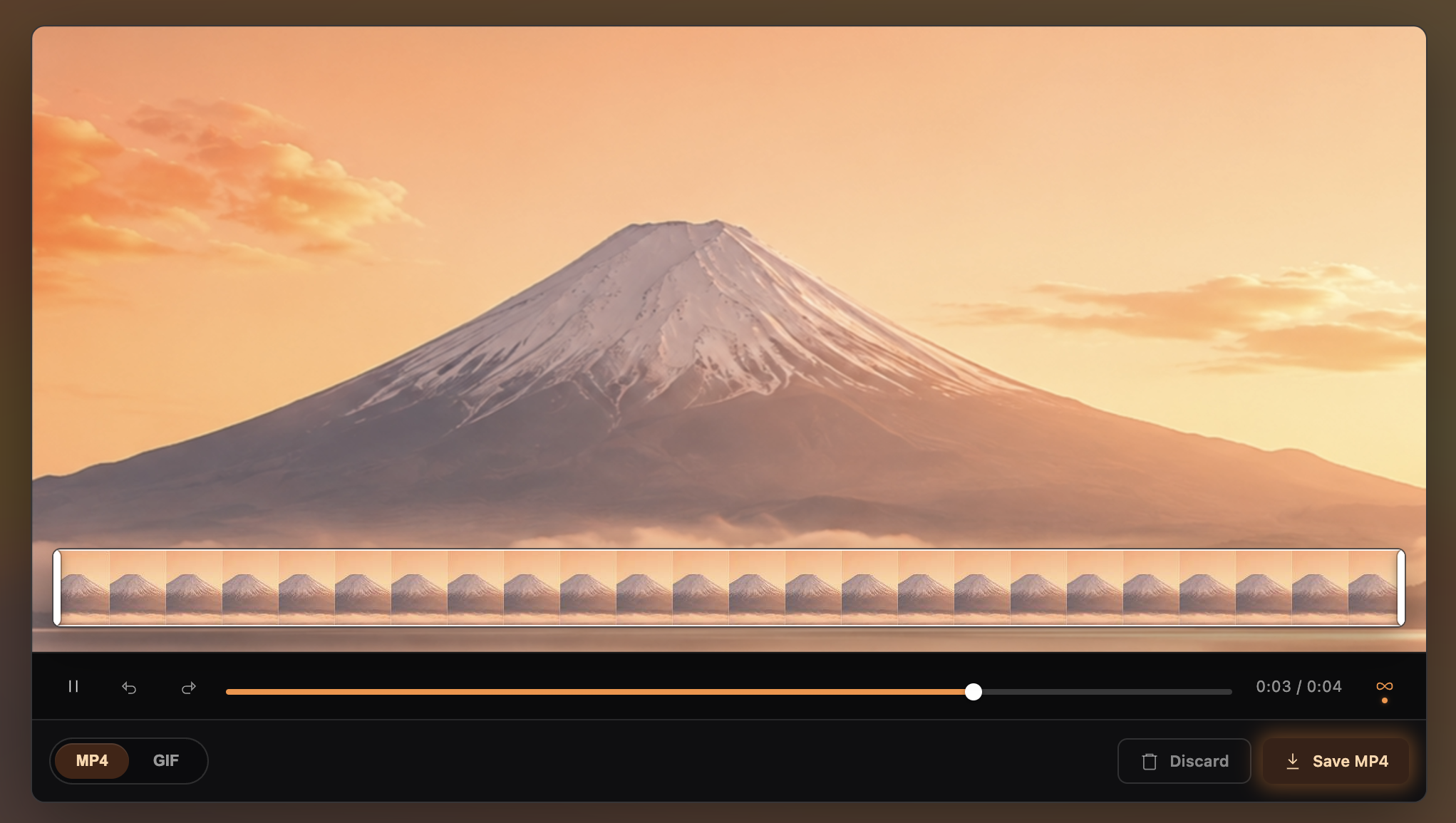
One binary. Anonymous usage stats you can turn off. Instant startup. Capture, annotate, and share.
Built with Electron but optimized for low memory and instant startup. Runs on any modern machine.
Captures and recordings stay on your machine. Anonymous usage stats can be disabled in Settings.
Capture, window, fullscreen, recording, annotation — all in one file. No extras needed.
Global shortcuts for everything. Capture, switch modes, save — without touching the mouse.
Region, window, or fullscreen — then mark it up and share.
Arrows, boxes, circles, text, freehand, highlights, and blur. Clean marks, no clutter.
Click and drag any area. Precision guides and zoomed loupe included.
Capture any open window with one click, or scroll-enabled full-page shots.
Record with system audio on Windows. Trim, loop, and export to MP4 or GIF.
Auto-copies to clipboard. Paste anywhere. Drag to save. Share in seconds.
Cmd+Shift+S to capture. Switch modes, save, or copy — all from the keyboard.
One shortcut, one workflow — on every platform.
Native menu bar, global shortcuts, Apple Silicon native.
Portable executable. No install required. Global shortcut captures.
AppImage support. X11 and Wayland with PipeWire.
Tap the Orange Fuji to squeeze out fresh juice and fill the glass.
Start with the 30-day trial from the latest release. If Orange Fuji fits your workflow, keep using it with a 9€ one-time license.
Unlock the full app after the trial, including screen recording, scrolling captures, annotation, export, and clipboard workflows.
Orange Fuji has a 30-day trial. After the trial, buy a license and activate it with your checkout email.
Each license allows 2 active device activations. Active licenses are revalidated online periodically, while captures and recordings remain local.
macOS (Intel & Apple Silicon), Windows (portable), and Linux (AppImage). Core features are the same on all three; system audio in recordings is Windows-only for now.
No. Captures and recordings never leave your machine, and there are no accounts. To count active users, the app can send an anonymous daily ping — a random ID, app version and OS — with no email and no content. You can turn this off in Settings.
Download the binary for your platform, launch it, and press Cmd+Shift+S (macOS) or Ctrl+Shift+S. No install wizard needed.
Download Orange Fuji and take your first capture in under a minute.